
Your Magic Wand for Instant Documentation
Turn ANY process into a simple step-by step Guide
 It only takes 3 clicks to
 publish your first tutorial

Say Goodbye To Writing Docs, and Hello To Wizardshot Doing it for YOU.
1. Click Capture
Once you install the Chrome extension, fire it up, and click “Capture”.
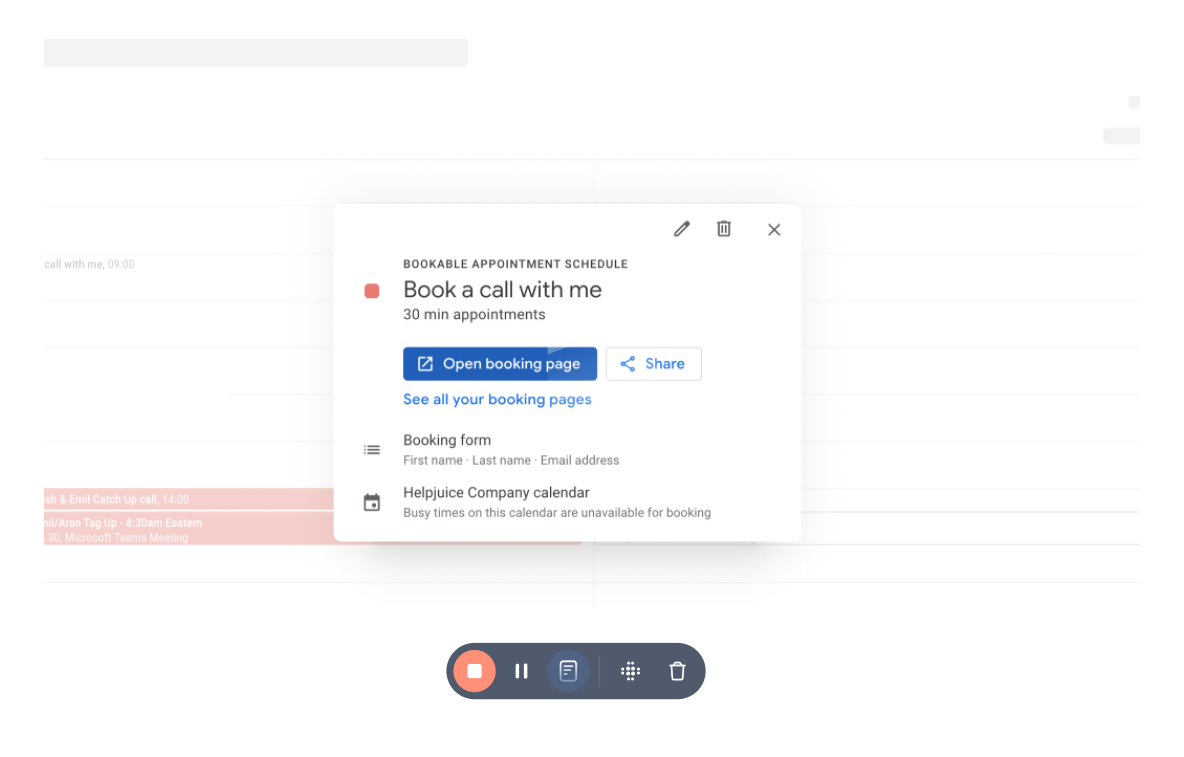
2. Perform Your Actions
Once capturing, Wizardshot carefully monitors what you do to understand how to document it.
.png)
3. Done. Article Written
Wizardshot carefully crafts the perfect article based off your actions recorded. Just click “Done” and we’ll write up the article in a second.
+32 MORE FEATURES
INCLUDING A KB INTEGRATION

Forever
Creation
Integrations

Create A Detailed Tutorial
in Less than 3 clicks
“Has helped us write help docs 100x faster”
– Dany River, Cartier Informatie
common questions
Really - all that we have to pay for is super-secure hosting, awesome 24/7 support and that’s it.
We built Wizardshot as a stand-alone product with a deep Helpjuice Knowledge Base integration.
Create Tutorials in 3 Clicks.
With WizardShot, You Click Capture, And We’ll Capture What’s
Happening on
Your Screen And Turn It Into A Tutorial.